Find us here
Instagram Reels Can Now Be Downloaded — Here’s How to Do It

Admin
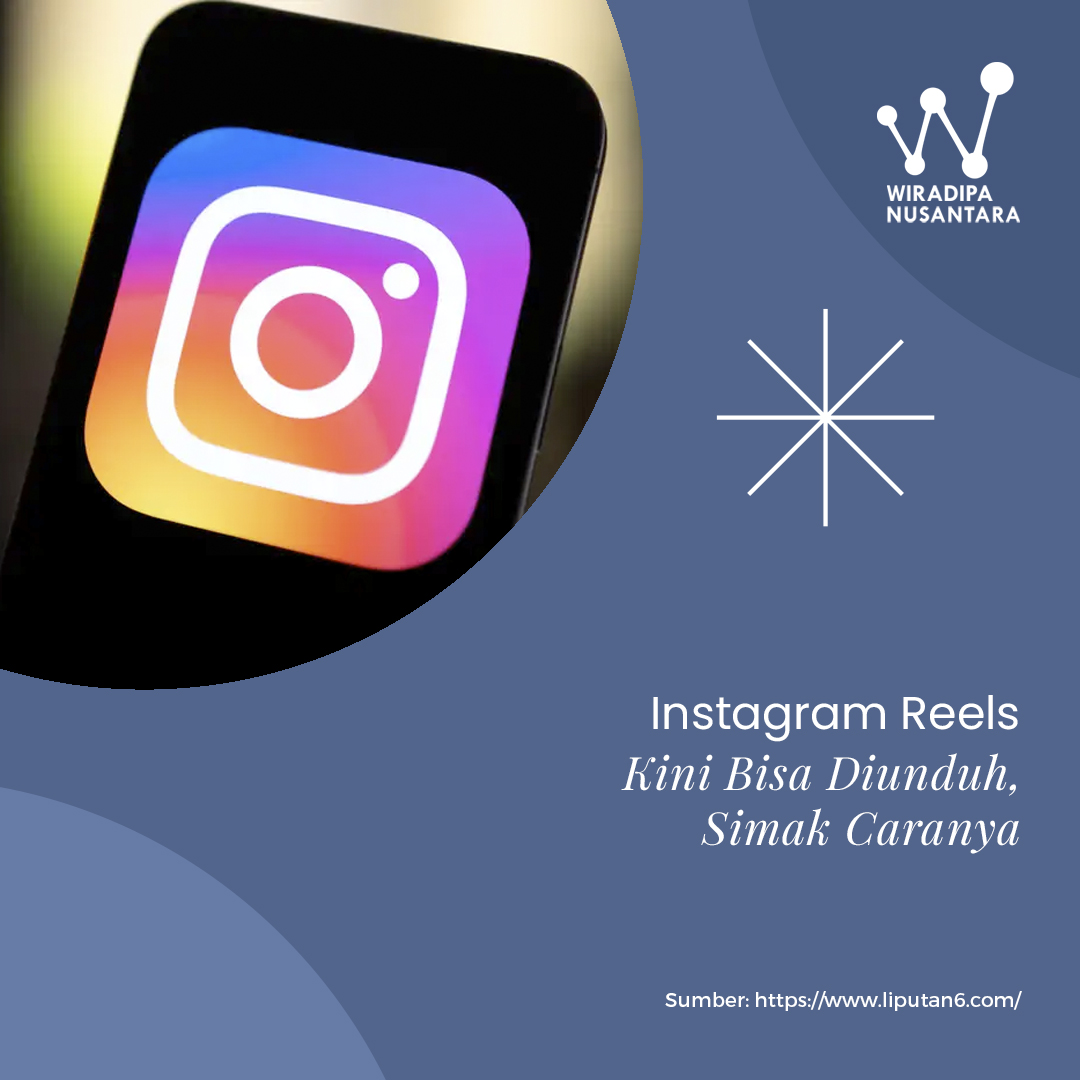
Instagram users can now directly download Reels content from the platform, as long as the video is posted by a public account.
The announcement about the new Reels download feature was shared by Instagram Head Adam Mosseri through his Broadcast Channel on Friday (Nov 24, 2023).
“You can now save Reels from public accounts to your camera roll — all downloaded Reels will include a watermark with the creator’s Instagram handle,” he said.
According to Mosseri, this Instagram feature was first released in the United States in early 2023 and is now available to all global users.
How to Download Instagram Reels
To download a Reels video from the Instagram app, users can follow these simple steps:
-
Open the Reels video you want to download
-
Tap the Share icon
-
Select Download
Mosseri also noted that public account owners can disable the Reels download feature if they prefer not to let others save their content.
Additionally, according to Instagram’s Help Center, download permissions for users under 18 are turned off by default but can be enabled anytime. For private accounts, Reels can only be downloaded if the account is switched to public.
Instagram also advises that downloaded Reels should not be used for commercial purposes, although the platform cannot control how content is used once it has been downloaded.
How to Manage the Reels Download Feature
Here are the steps to enable or disable the download option for your Reels:
-
Create your Reels and tap Next in the bottom-right corner
-
Tap More options
-
Scroll down and tap Advanced Settings
-
Find the option to allow people to download your Reels, then toggle on or off
-
Choose whether the setting applies to all Reels or only future uploads
-
Tap Back, then tap Share
How to Adjust Download Settings for Reels Already Posted
For individual Reels that have already been shared, follow these steps:
-
Go to your profile
-
Select the Reels you want to manage and tap the three dots
-
Choose Manage, then tap Turn off downloading or Turn on downloading
Recent Articles


Featured Articles






























































.jpg)